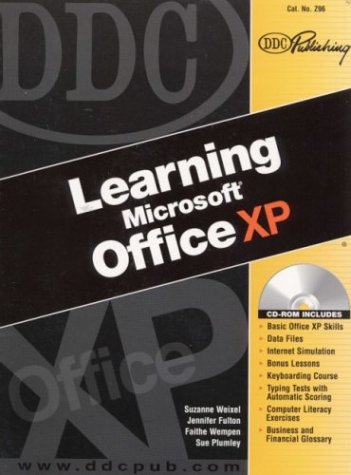
From the Back Cover Learning Microsoft® Office XP through Applications & Exercises From Beginner to Expert?The Skills YOU Need in the Workplace Learning Microsoft® Office XP through Applications & Exercises From Beginner to Expert?The Skills YOU Need in the WorkplaceEach lesson contains short exercises designed for using Office XP in real-life business settings.Each lesson contains short exercises designed for using Office XP in real-life business settings.Exercises include key terms, concise notes, conceptual descriptions of the Office features, and hands-on mouse and keystroke procedures.Exercises include key terms, concise notes, conceptual descriptions of the Office features, and hands-on mouse and keystroke procedures.Exercise Directions offer step-by-step instructions to put the students' skills to work.Exercise Directions offer step-by-step instructions to put the students' skills to work.Word, Excel, Access, PowerPoint?And How to Use Them TogetherAll Office applications can be used separately or integrated to create sophisticated professional-looking documents.All Office applications can be used separately or integrated to create sophisticated professional-looking documents.Use Word to create letters, memos, reports, and Web pages. Track financial data and create charts and graphs with Excel.Use Word to create letters, memos, reports, and Web pages. Track financial data and create charts and graphs with Excel.Use Access to store, retrieve, and report on information.Use Access to store, retrieve, and report on information.Develop multimedia presentations with PowerPoint.Develop multimedia presentations with PowerPoint.Learn by Doing; Not ReadingLearning Office XP launches the students into the workplace setting. Each exercise begins On the Job with a brief description of how you would use the features of that exercise in the office.Learning Office XP launches the students into the workplace setting. Each exercise begins On the Job with a brief description of how you would use the features of that exercise in the office.Each exercise ends with On Your Own, an additional critical-thinking exercise where students apply newly learned skills to create their own documents using their own information.Each exercise ends with On Your Own, an additional critical-thinking exercise where students apply newly learned skills to create their own documents using their own information.Experience the Internet?No Modem Needed!Students integrate the Internet with Office applications without a modem or Internet connection. By launching the simulation and following the steps in the book, students go to real Web sites simulated on the CD-ROM, find information, and use the information in Office documents.Students integrate the Internet with Office applications without a modem or Internet connection. By launching the simulation and following the steps in the book, students go to real Web sites simulated on the CD-ROM, find information, and use the information in